

Docs
DXF Exporter help and documentation
Practical guides for installing DXF Exporter, preparing Onshape models, resolving validation warnings, and reviewing the downloaded DXF package.
Start here
A few useful guides for first export, imported models, validation, and output review.
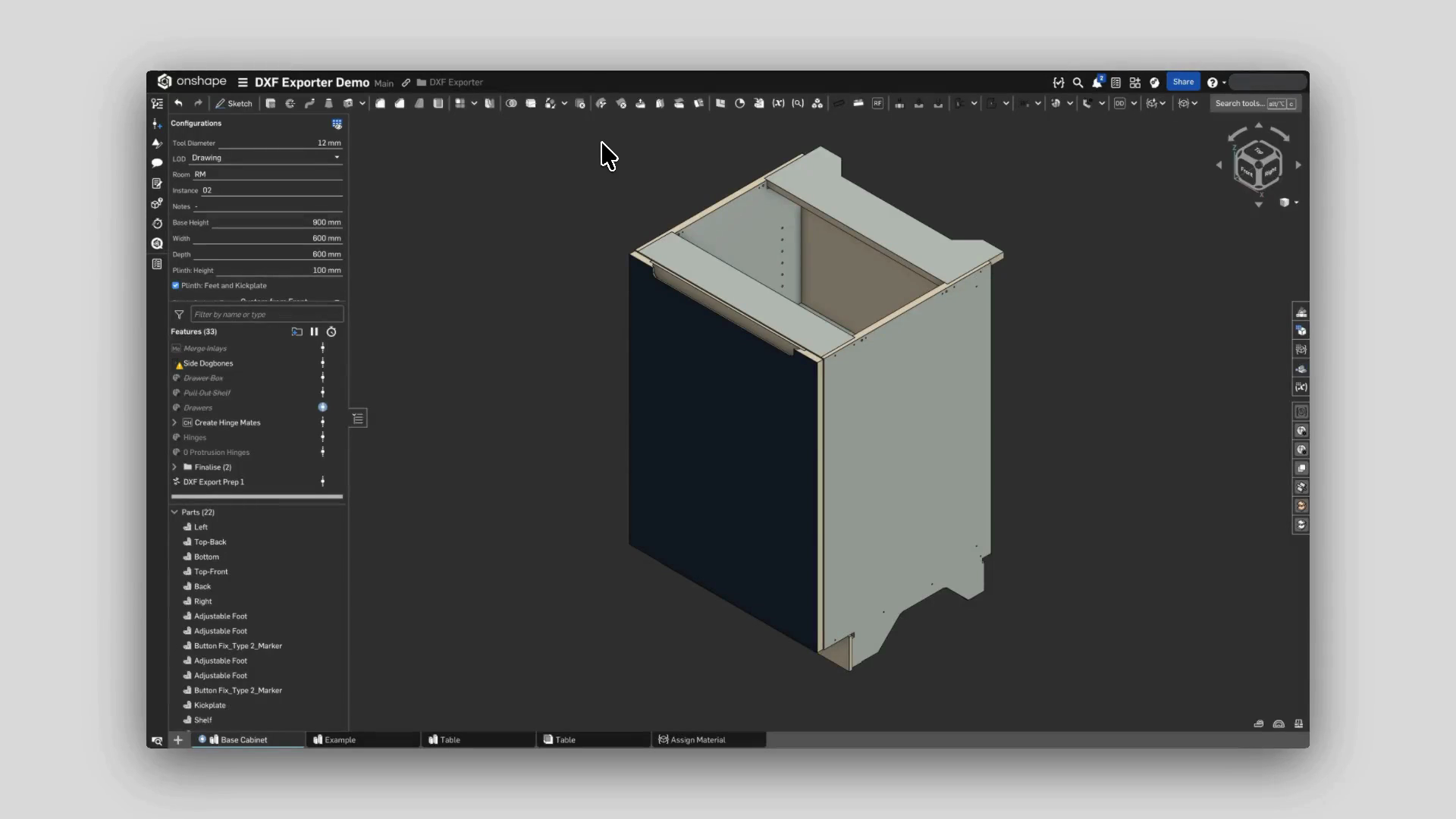 Getting startedExport your first DXF packageValidate and export multiple parts from an Onshape Part Studio or assembly as a structured, layered DXF package.
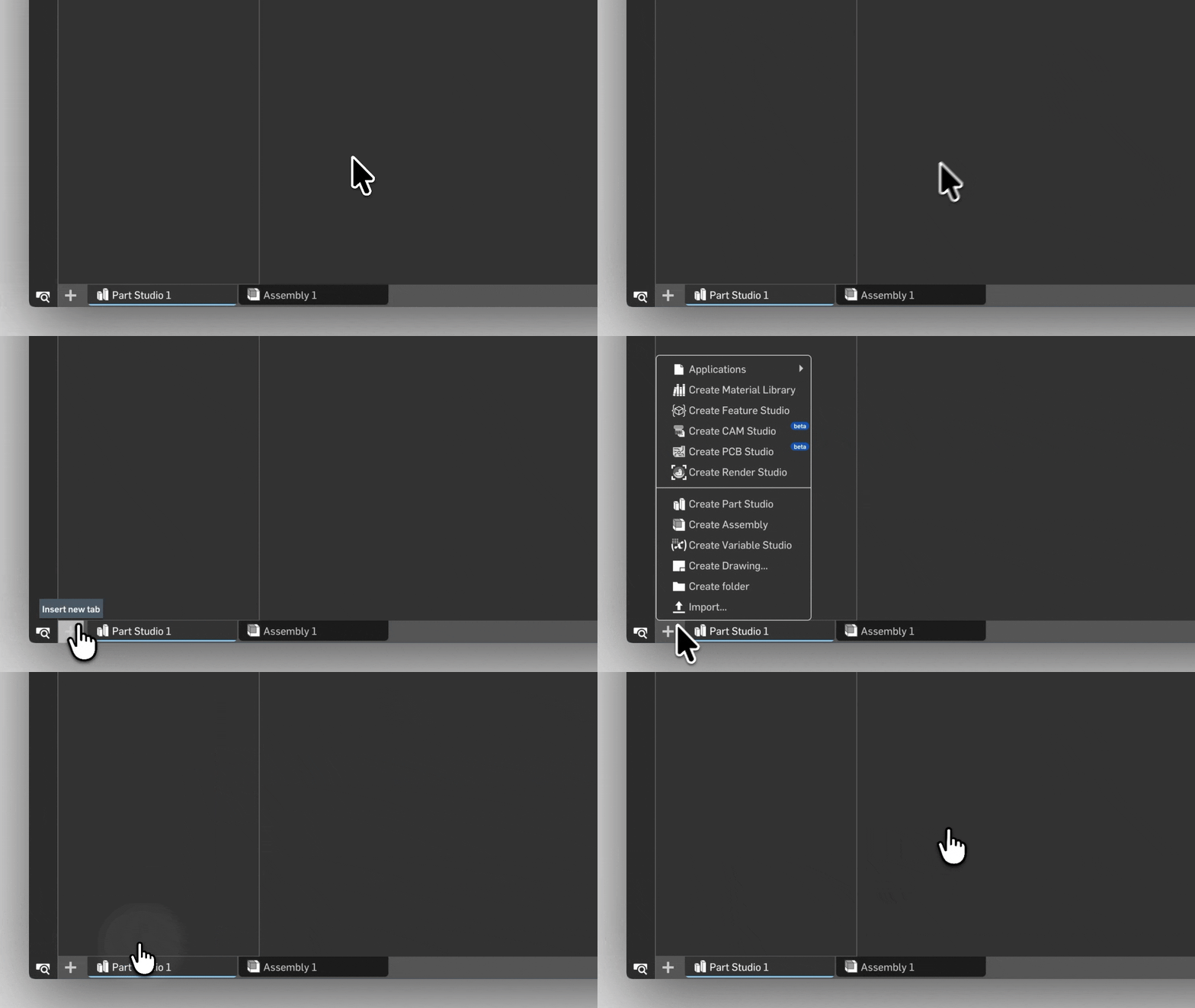 Getting startedExport DXFs from imported CAD filesImport supported CAD geometry into Onshape, then use DXF Exporter from inside the Onshape document.Validation & fixesValidation warningsUse validation statuses to decide what to review, what to fix, and where to continue.OutputDXF layers and toolpath typesUnderstand how DXF layers are named and coloured according to different toolpath types.